Generate from text
Create campaign-ready imagery from a natural-language prompt.
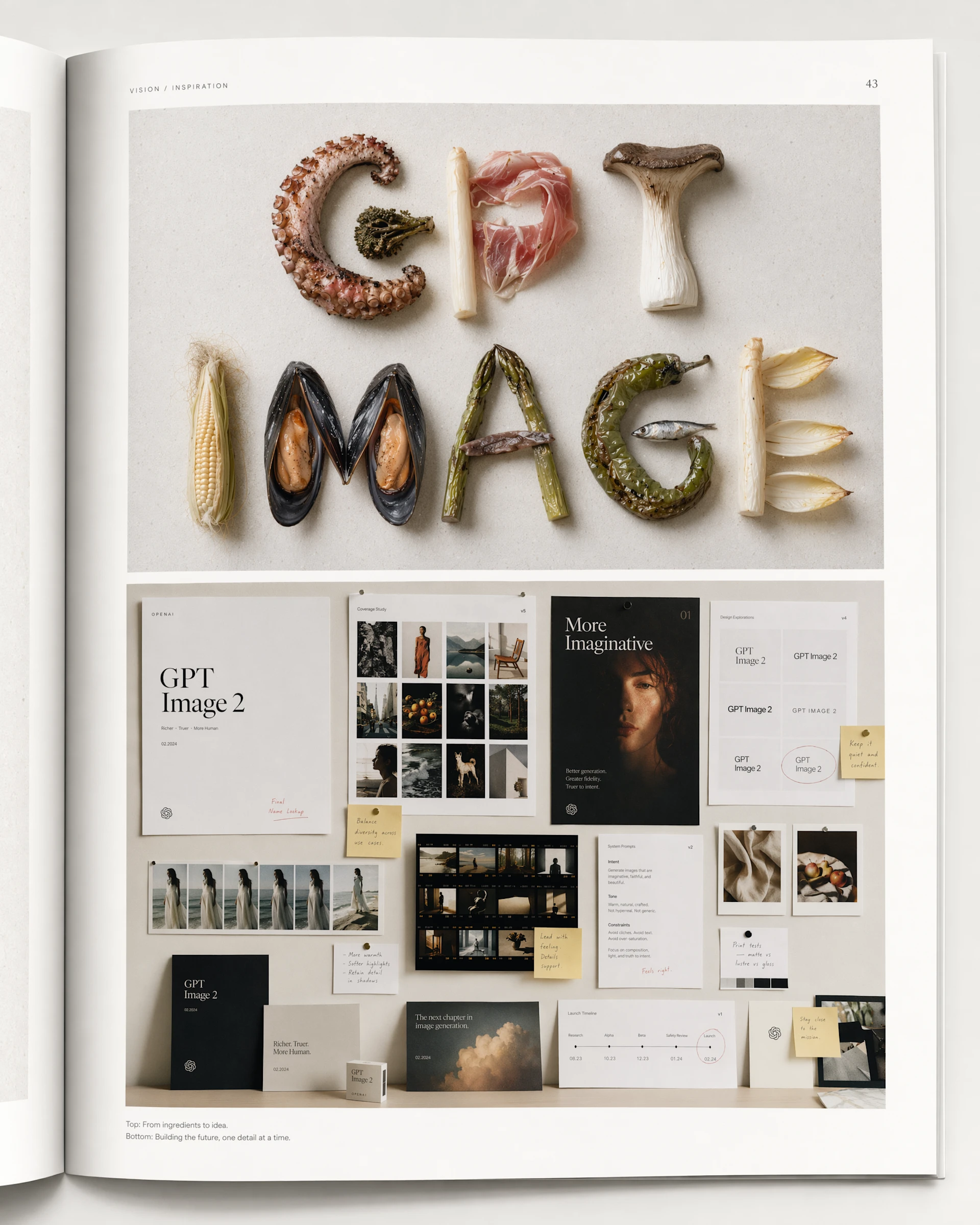
One model. Every image workflow.
Create new visuals, transform existing assets and keep important reference details intact. GPT Image 2 brings fast, high-quality generation and editing to DreamAPI — with flexible sizing from social crops to 4K.
Generate campaign-ready imagery from text, then carry the visual forward through reference-driven edits without rebuilding the scene.
Create campaign-ready imagery from a natural-language prompt.
Transform assets while preserving subject, lighting and composition.
Carry the visual forward through reference-driven edits.
GPT Image 2 covers generation, editing and flexible sizing — fast, high quality, and tuned for precise creative control.
GPT Image 2 automatically processes input images at high fidelity. Preserve the subject, lighting and composition while changing only the detail the prompt asks for.
Use natural-language prompts to specify composition, material, lighting, layout and exact creative constraints. GPT Image 2 is designed for high-quality results without turning every brief into a prompt-engineering project.
Go beyond fixed presets. GPT Image 2 accepts thousands of valid resolutions, with a maximum edge of 3840 pixels and aspect ratios up to 3:1 — useful for product pages, ads, social formats and high-resolution campaign work.
Guide generation with reference images and precise edits, then keep the details that matter in every output.
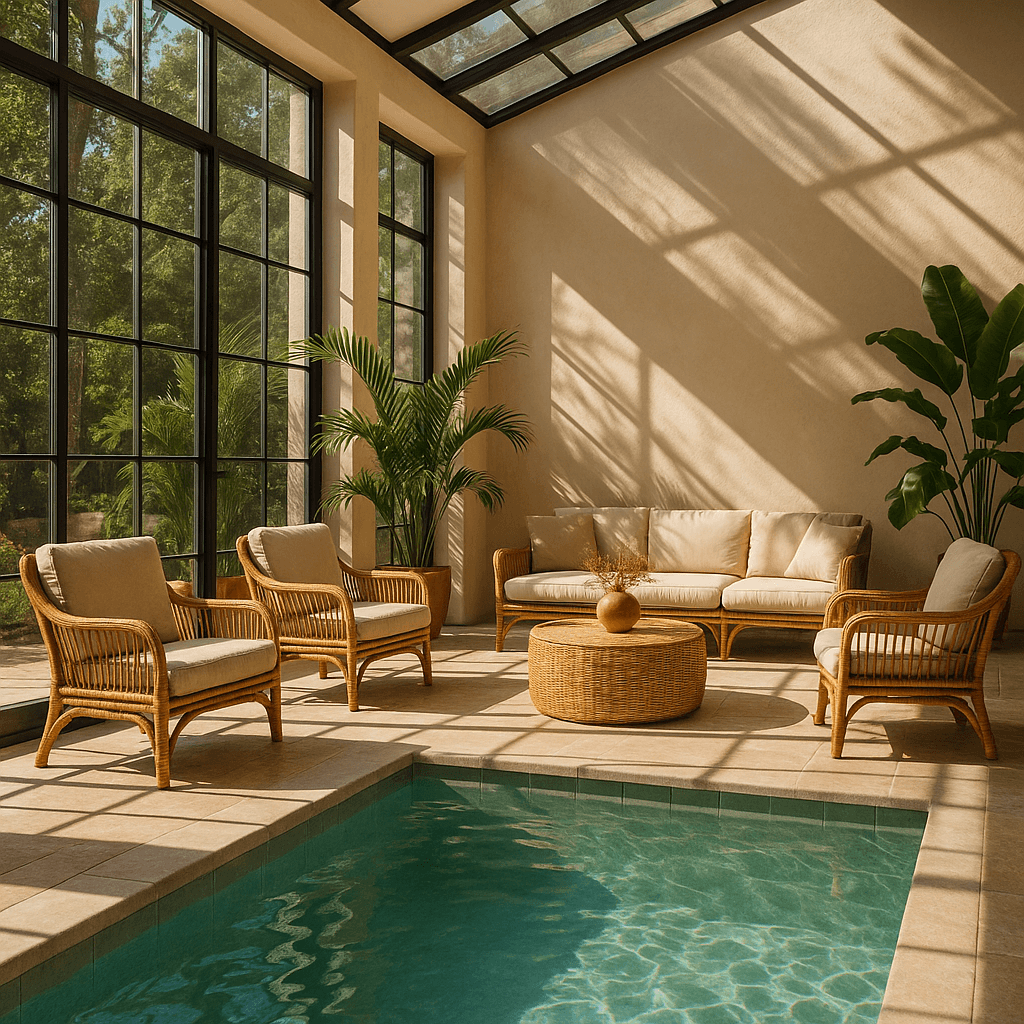
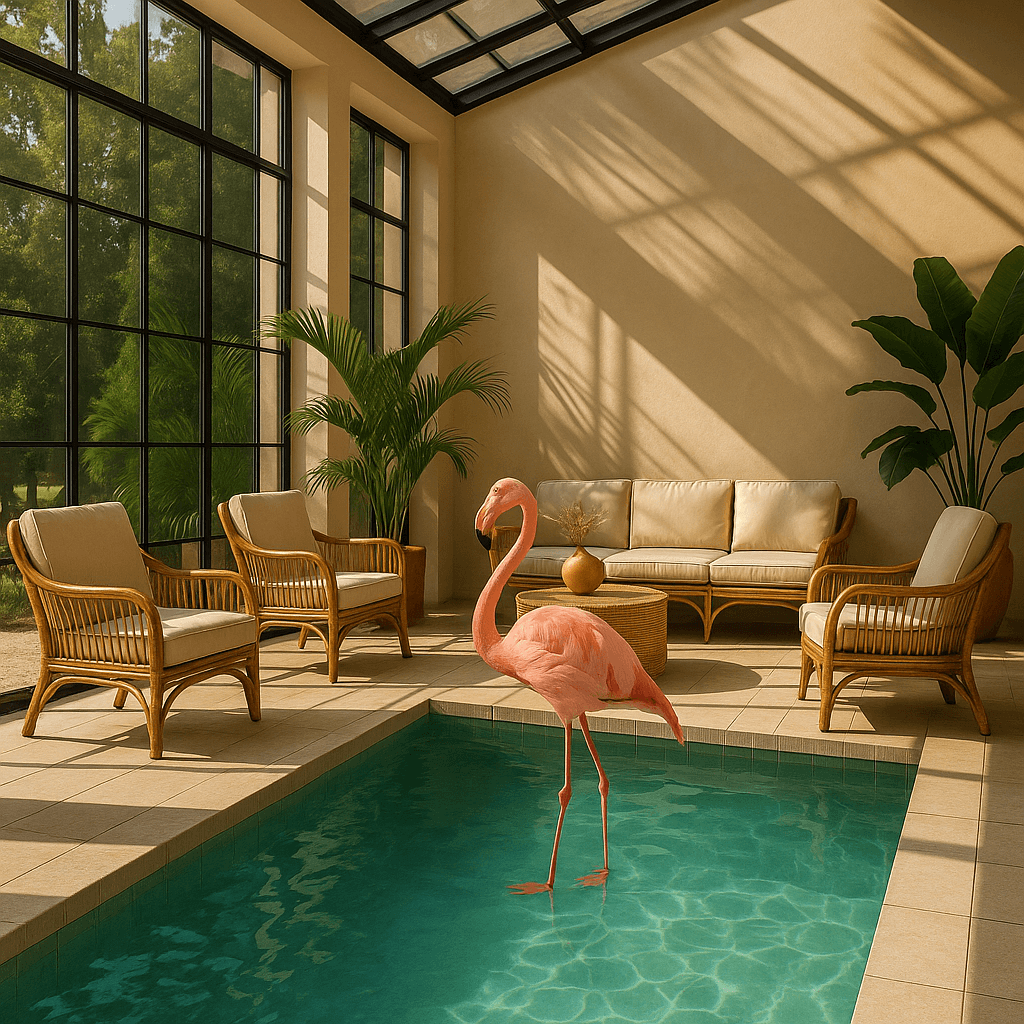
Preserve the subject, lighting and composition while changing only the detail the prompt asks for.
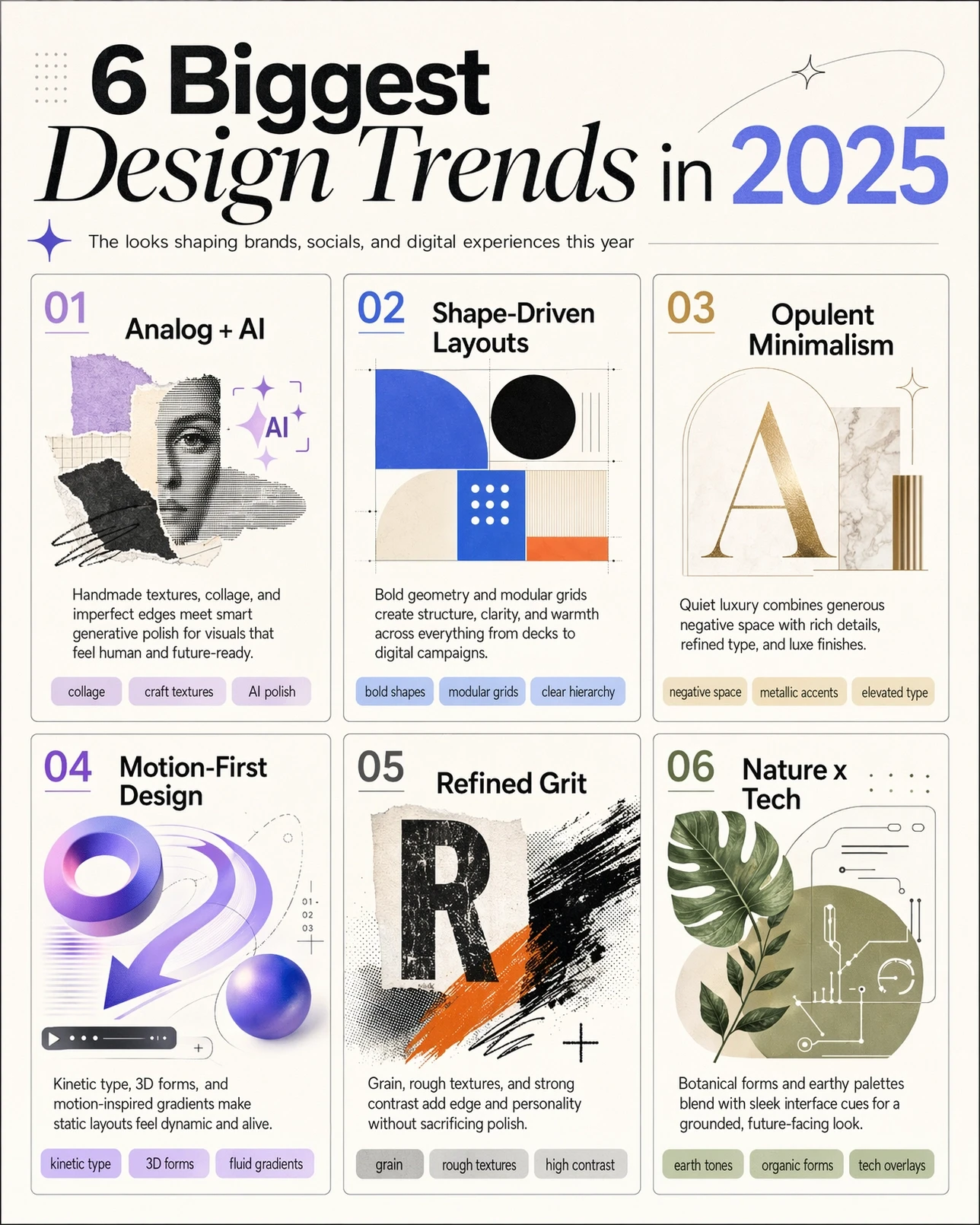
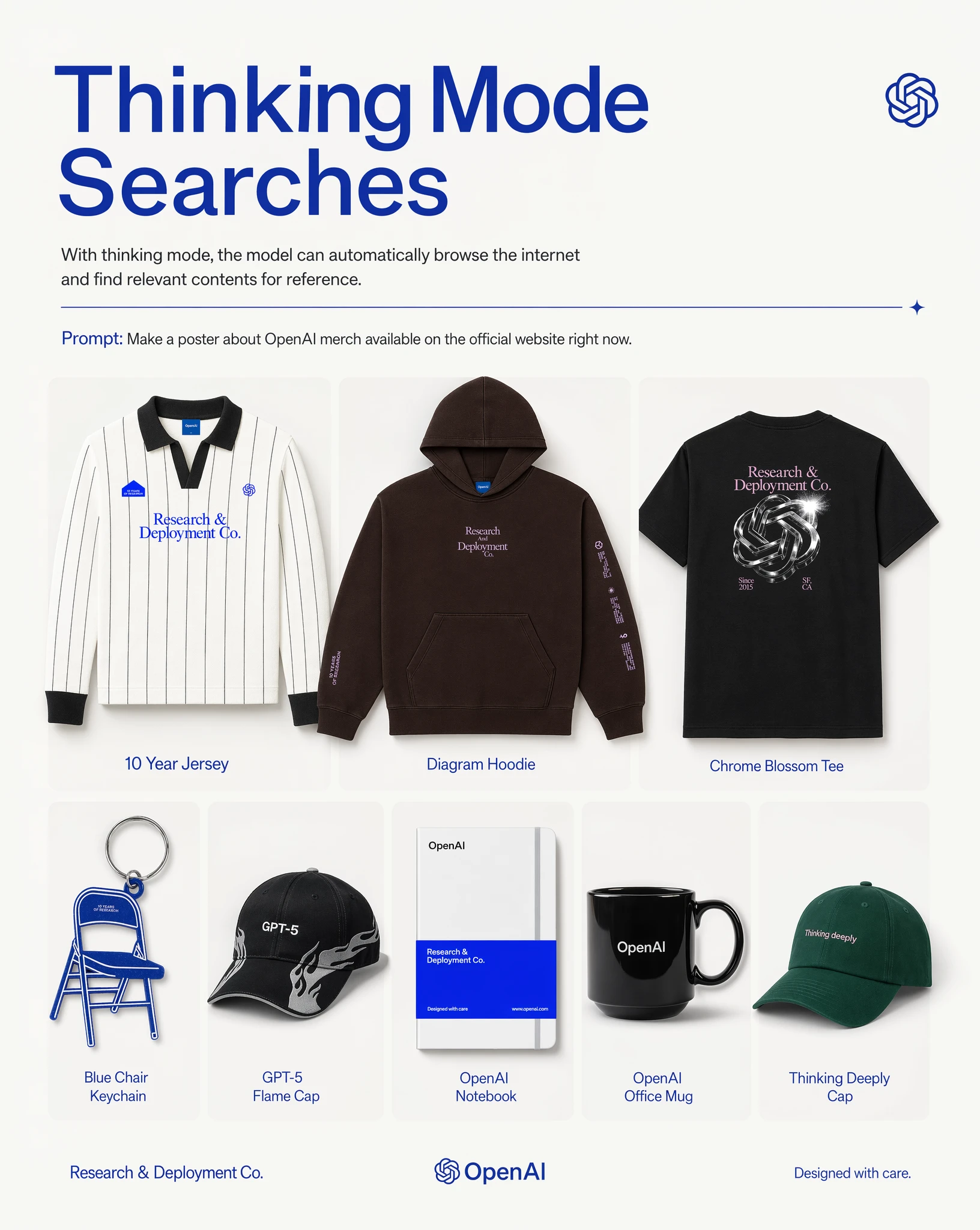
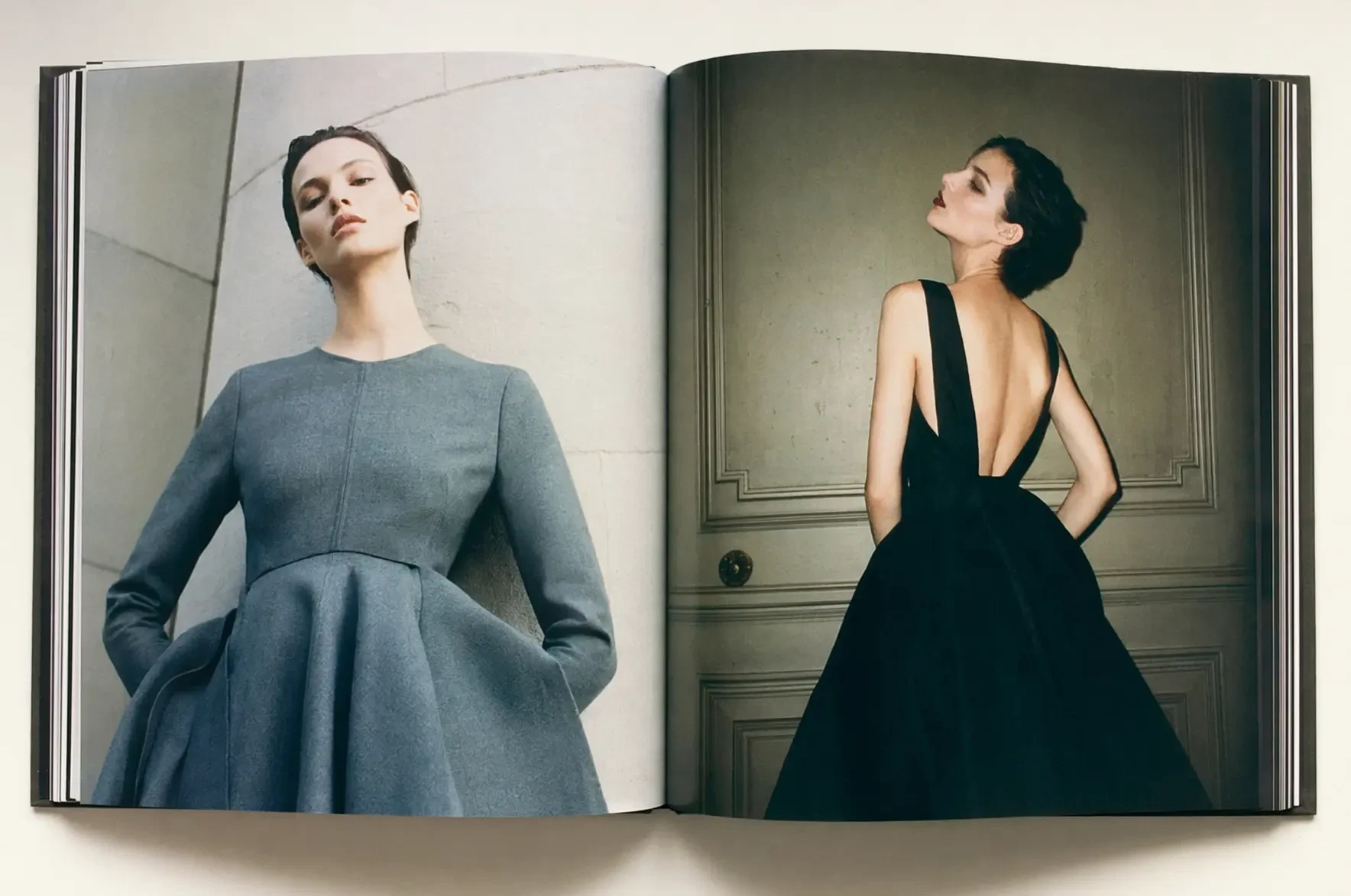
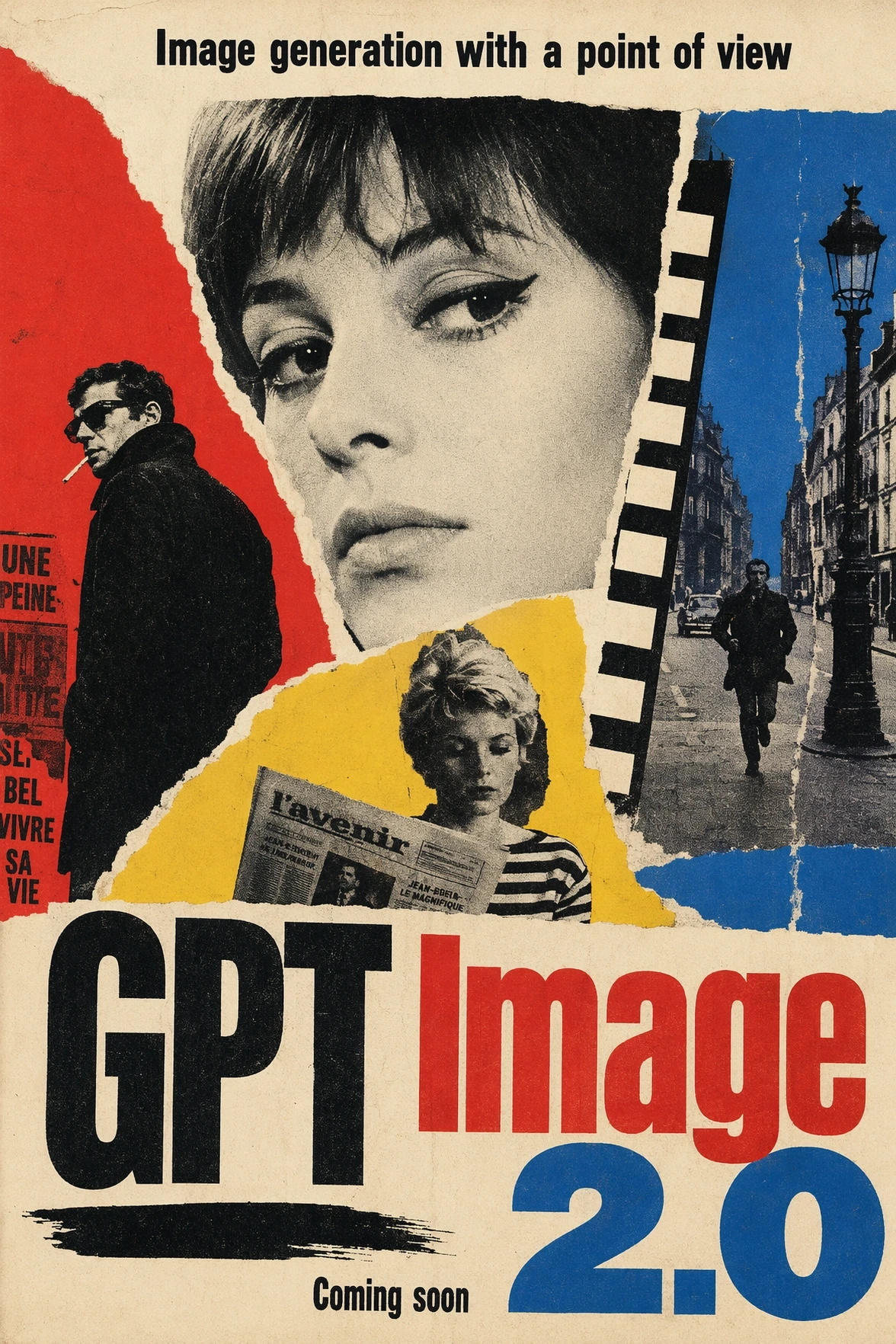
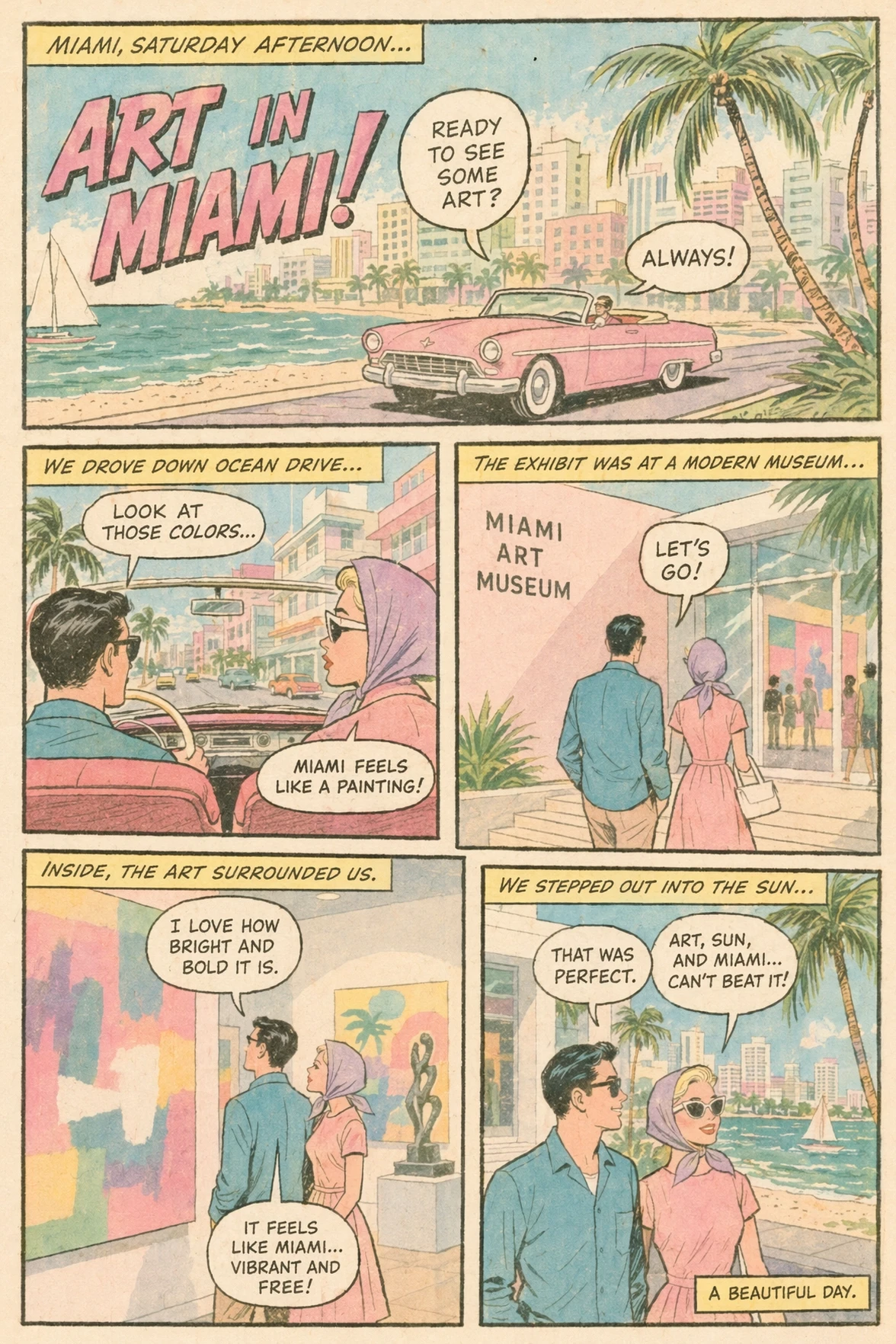
Specify composition, material, lighting, layout and exact creative constraints in plain language.
Go beyond fixed presets — from social crops to high-resolution campaign work, GPT Image 2 accepts thousands of valid resolutions with a maximum edge of 3840 pixels and aspect ratios up to 3:1.
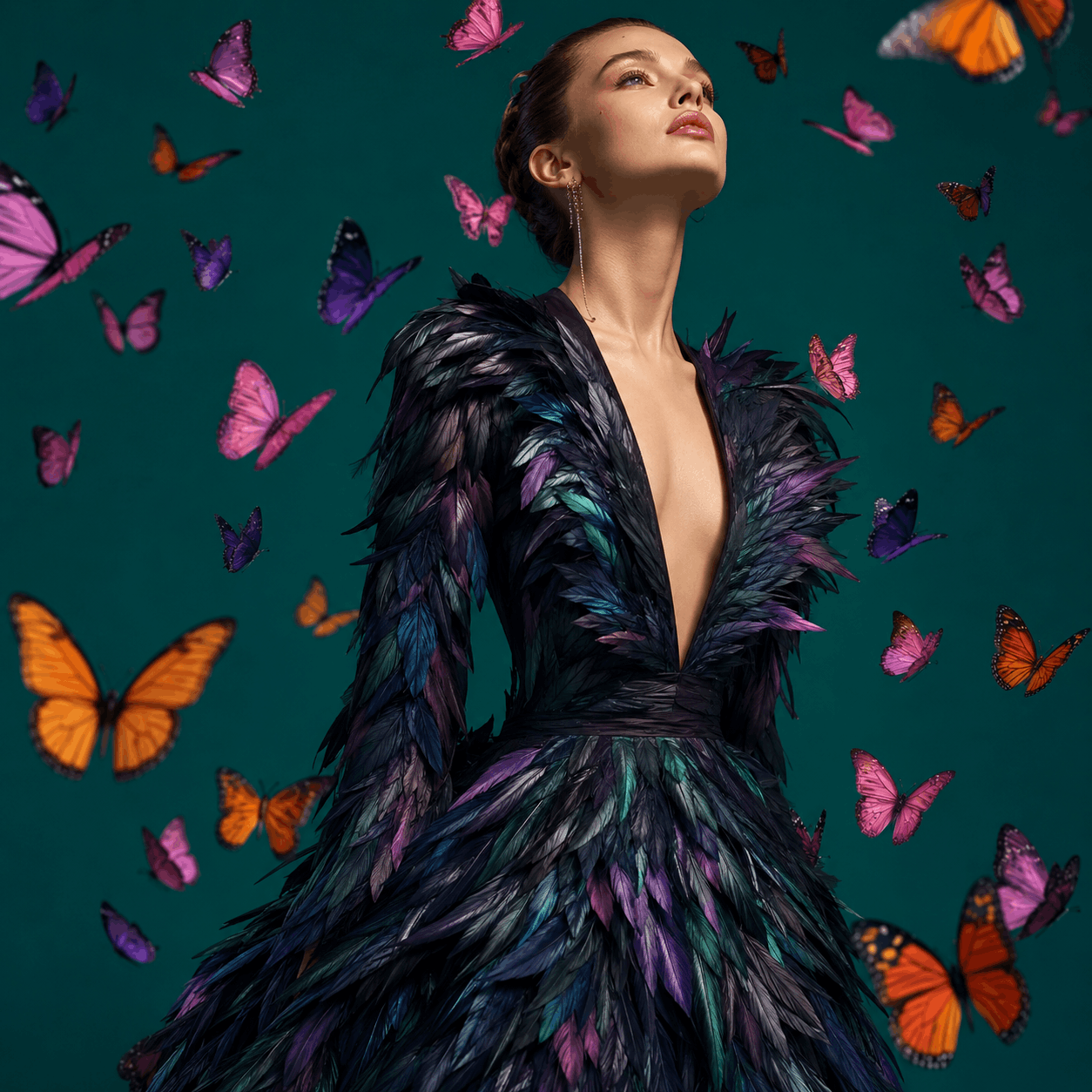
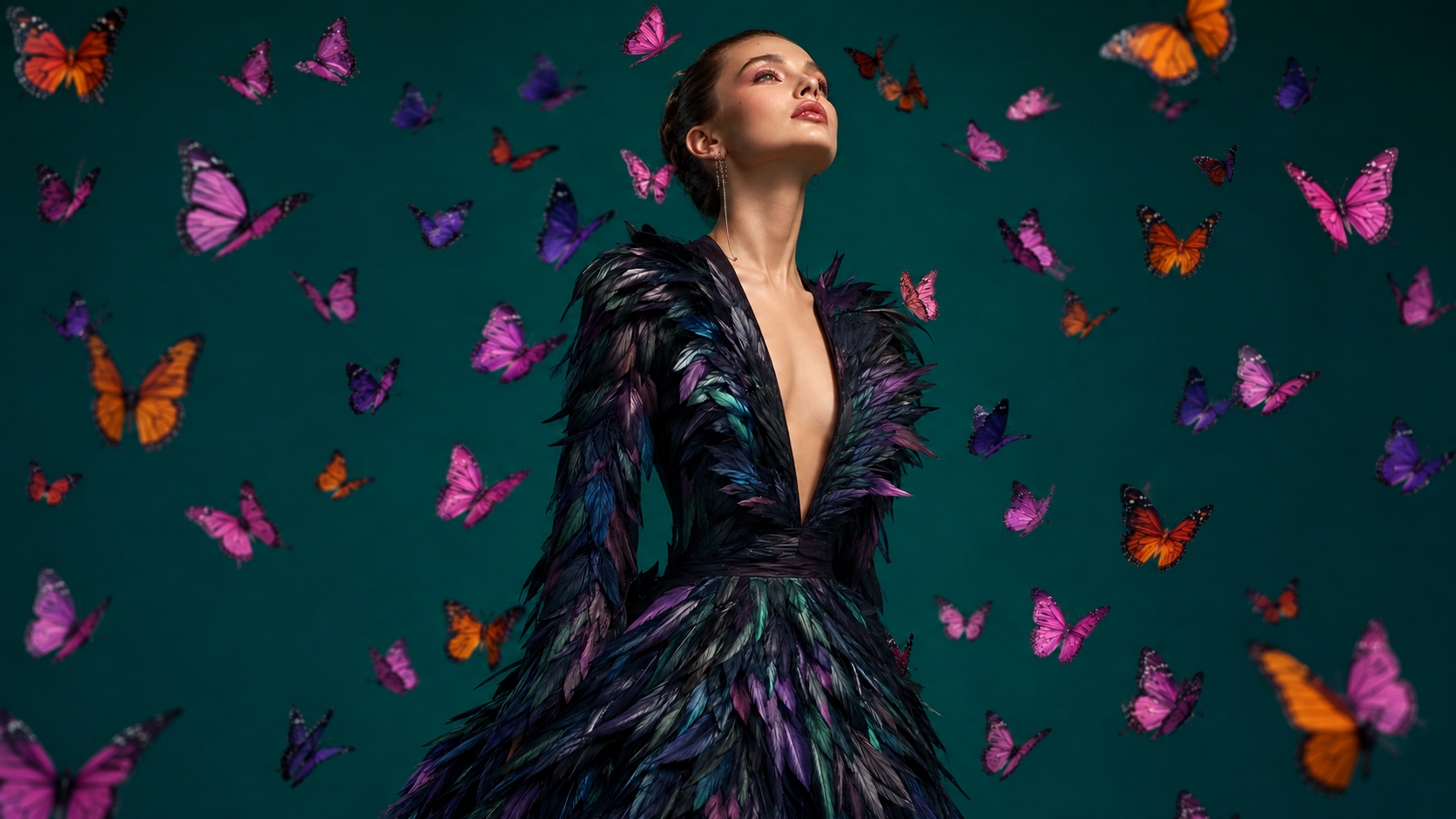
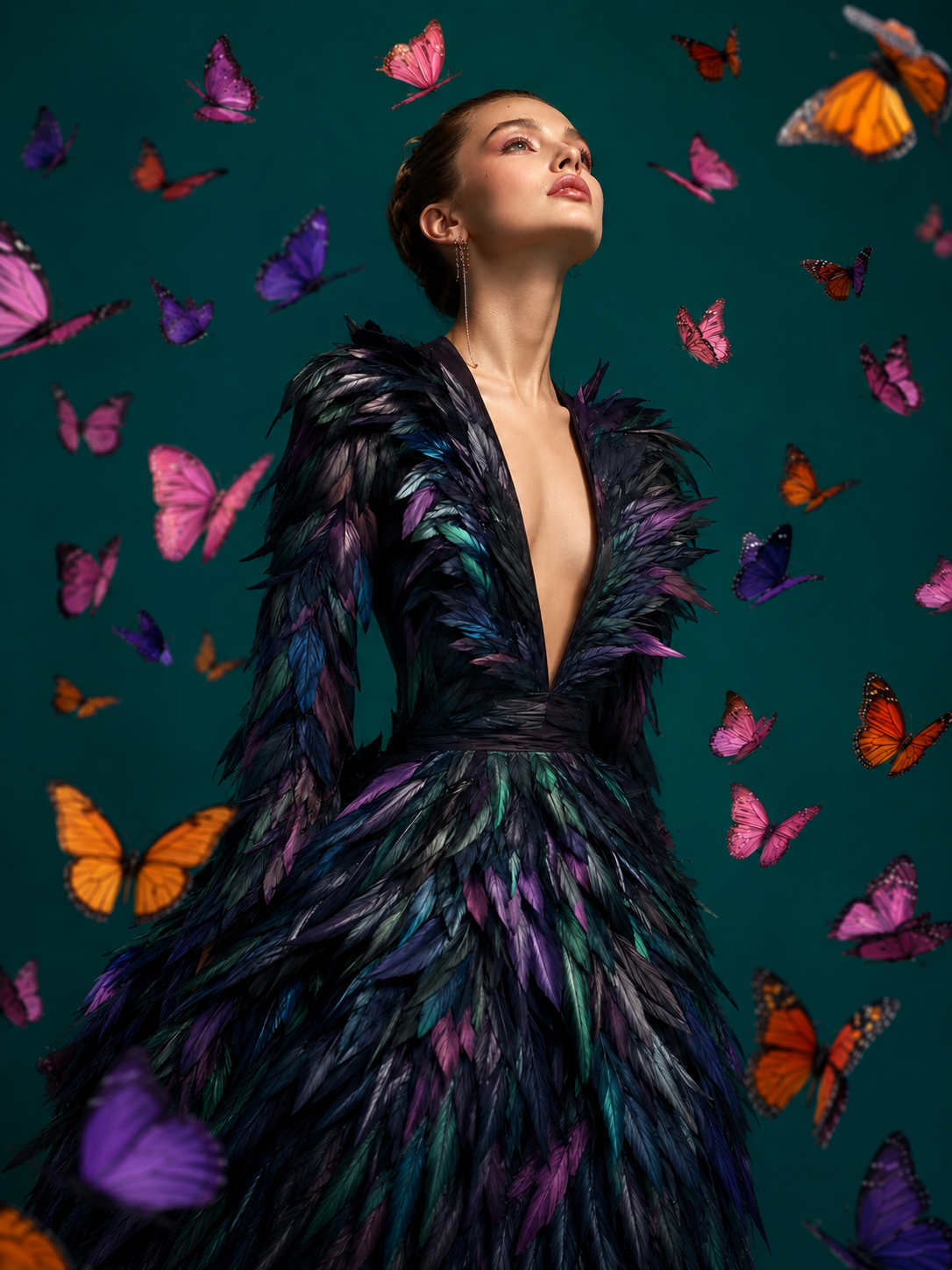
Configure GPT Image 2 inside DreamAPI for generation and editing workflows. The live API workspace provides the current endpoint, authentication and response schema.
Generate from text, edit an existing image, or run a multi-turn workflow.
Pick low, medium or high quality and any supported resolution up to a 3840px edge.
Return PNG, JPEG or WebP output through the DreamAPI image endpoint.
const image = await dreamapi.images.generate({
  model: "gpt-image-2",
  prompt: "A premium studio product campaign...",
  size: "2048x2048",
  quality: "high",
  output_format: "png",
  n: 1
});
curl https://api.dreamapi.com/v1/images/generations \
-H "Authorization: Bearer $DREAMAPI_KEY" \
-H "Content-Type: application/json" \
-d '{
"model": "gpt-image-2",
"prompt": "A premium studio product campaign...",
"size": "2048x2048",
"quality": "high",
"output_format": "png",
"n": 1
}'A workflow-focused snapshot of GPT Image 2, Nano Banana Pro and Seedream 5 Pro.
Directional comparison based on the previously prepared DreamAPI model research. Capabilities, provider limits and benchmark results may change.
One credit pool for every model on DreamAPI — video, image, avatar and editing. Buy a pack, then spend credits at the per-model rates below.
Credit packs are purchased on the DreamAPI pricing page.
Credits are calculated from total pixel count, quality and image quantity. The values below reproduce the billing table supplied for DreamAPI.
Credits per generated image. Multiply the result by image count. credits = sizeBase × qualityMultiplier × n
GPT Image 2 is OpenAI's state-of-the-art model for fast, high-quality image generation and editing. It accepts text prompts and image inputs, and produces image outputs.
Yes. It supports full-image edits, prompt-guided masked edits and iterative image workflows. Input images are processed at high fidelity automatically.
DreamAPI pricing examples cover 1024², 2048² and 2880² outputs. The underlying model supports flexible dimensions up to a 3840-pixel maximum edge, subject to its pixel and aspect-ratio constraints.
Use low for fast drafts, medium for balanced production work and high for final assets. DreamAPI credits scale with the selected quality and pixel tier.
GPT Image 2 can return PNG, JPEG or WebP. JPEG and WebP also support configurable compression.
No. The current GPT Image 2 API does not support transparent backgrounds.
Now live on DreamAPI
Generate, edit and iterate with GPT Image 2 through one production-ready API and one DreamAPI credit balance.