Precise editing
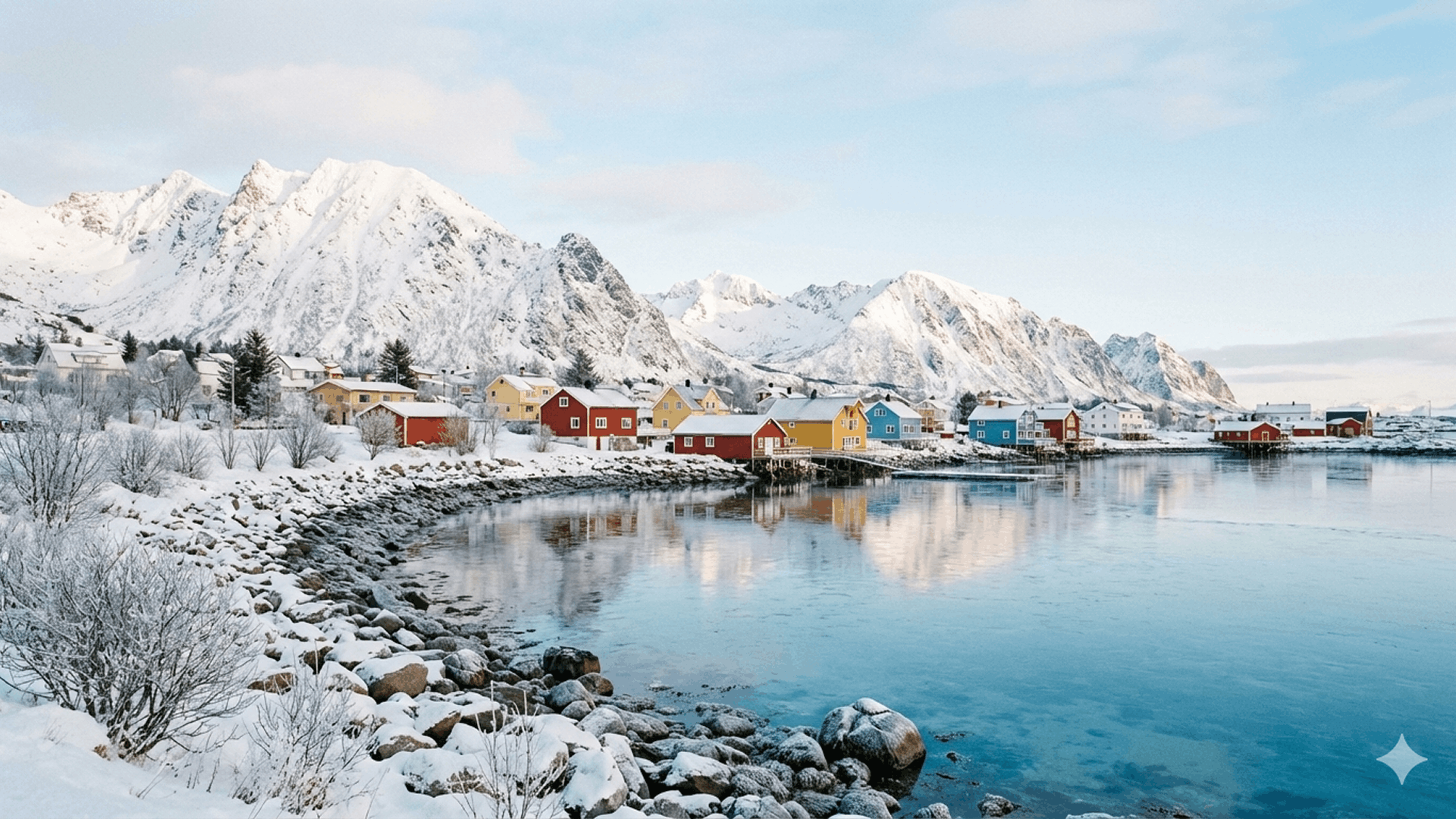
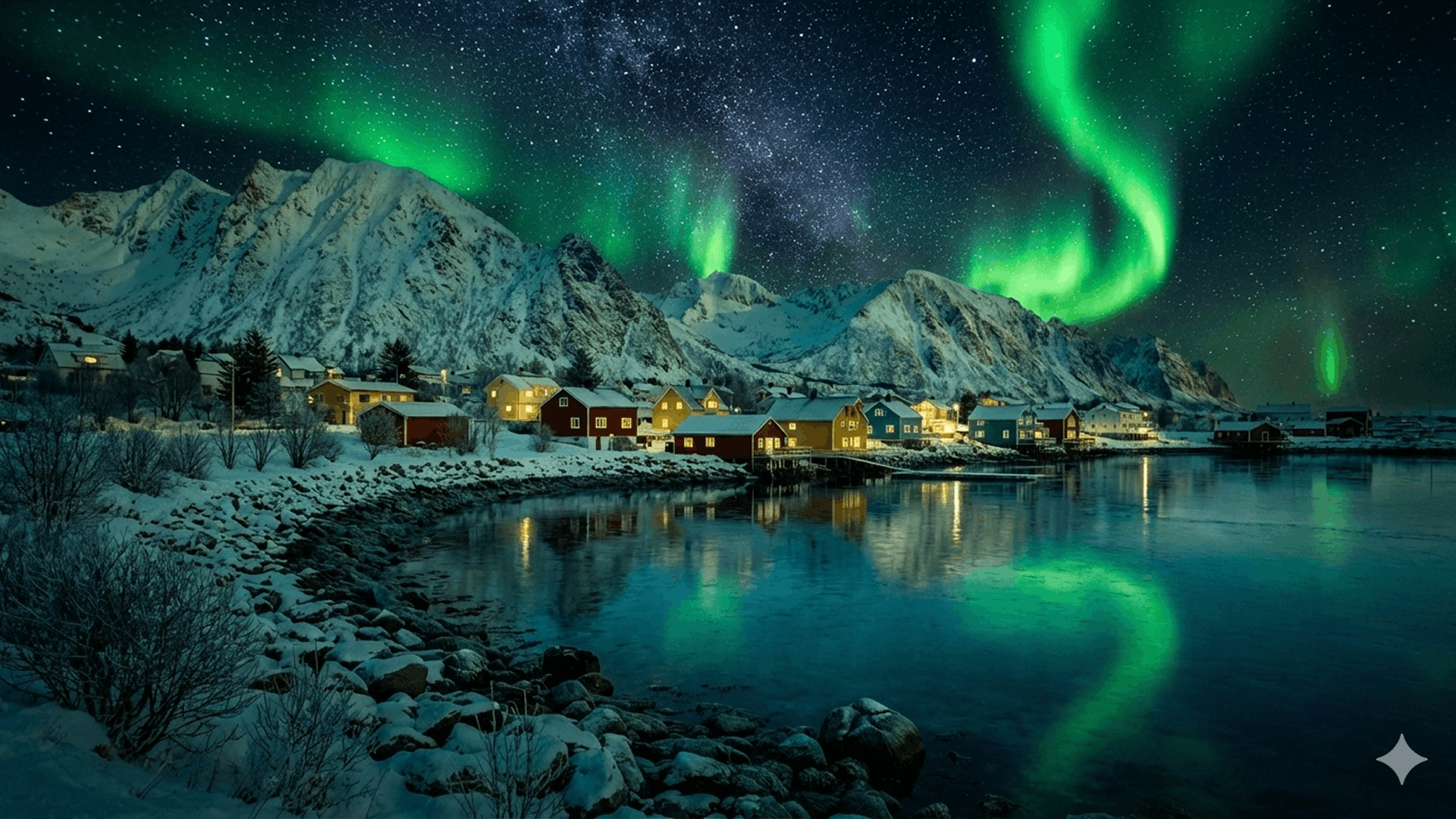
Change the mood, shift day into night, explore a new camera angle or redirect focus while keeping the parts of the image that already work.
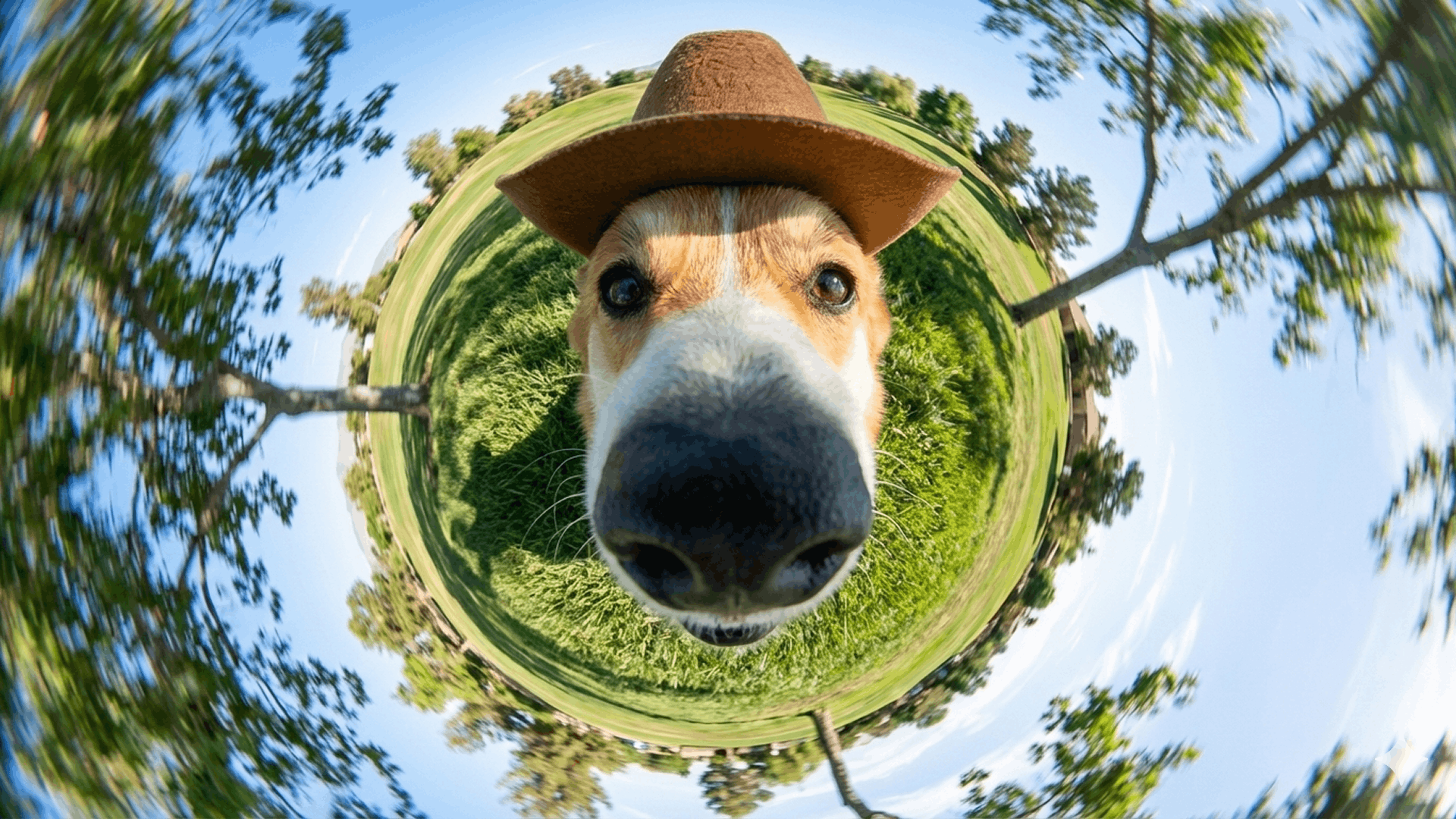
Fast ideas. Precise images.
Bring advanced world knowledge, image quality and visual reasoning into one fast creative workflow. Generate new visuals or transform existing images with Nano Banana 2 through DreamAPI.
One image model for fast creation and precise, reference-led editing — at any size, with text that reads.
Change the mood, shift day into night, explore a new camera angle or redirect focus while keeping the parts of the image that already work.
Bring a texture, color language or visual style from a reference image into a new subject. Explore distinct aesthetics while preserving the creative idea underneath.
Adapt a finished idea for the format where it will appear. Reframe the composition for landscape, square or portrait placements while keeping the details that matter.
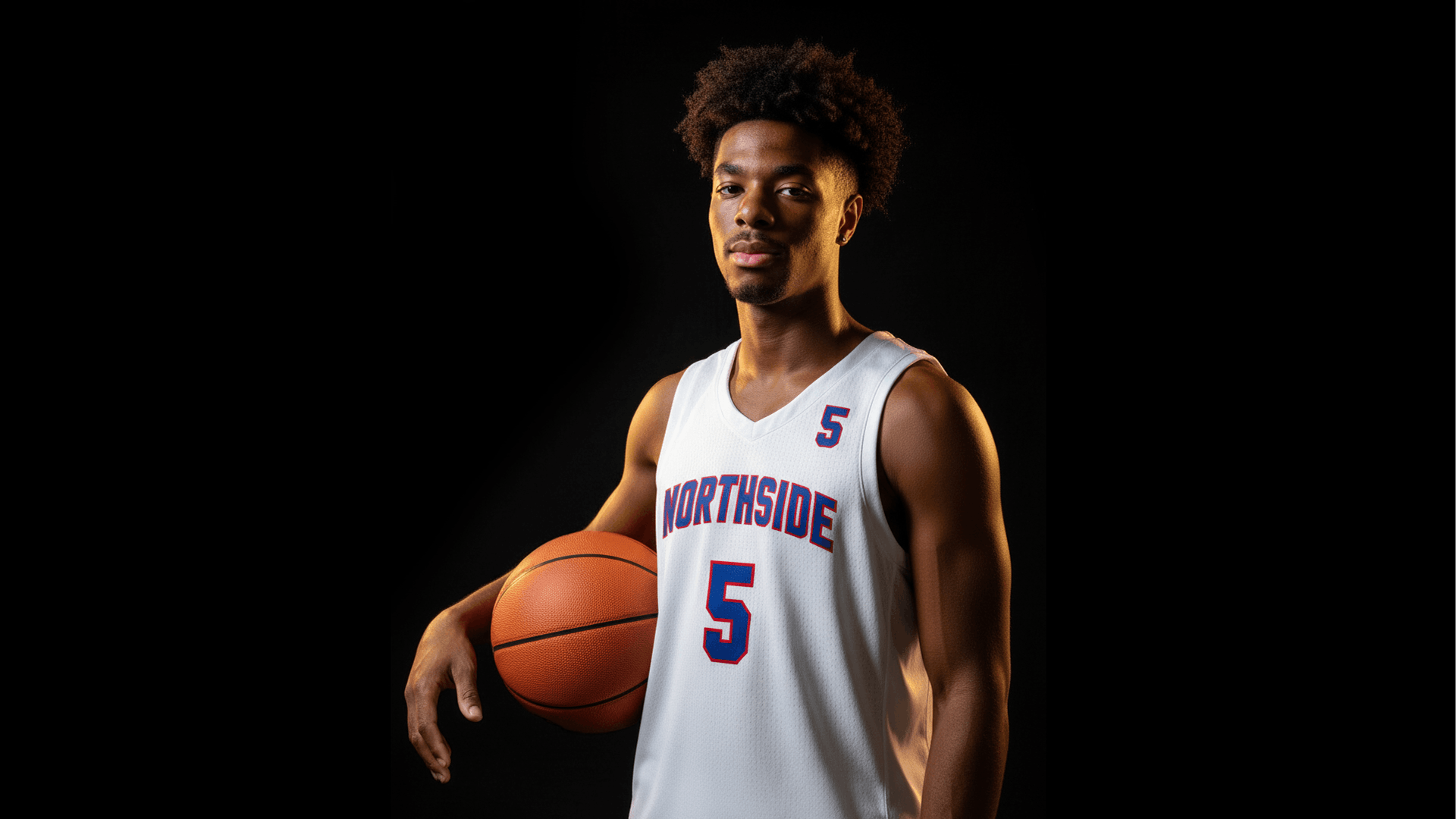
Create logos, invitations, posters, comics and other text-led visuals with clearer lettering. Nano Banana 2 can place words inside the image in many languages.
Move from a prompt or source image to a polished visual, then keep refining the details without rebuilding the concept from scratch.
Change the mood, shift day into night, explore a new camera angle or redirect focus while keeping the parts of the image that already work.

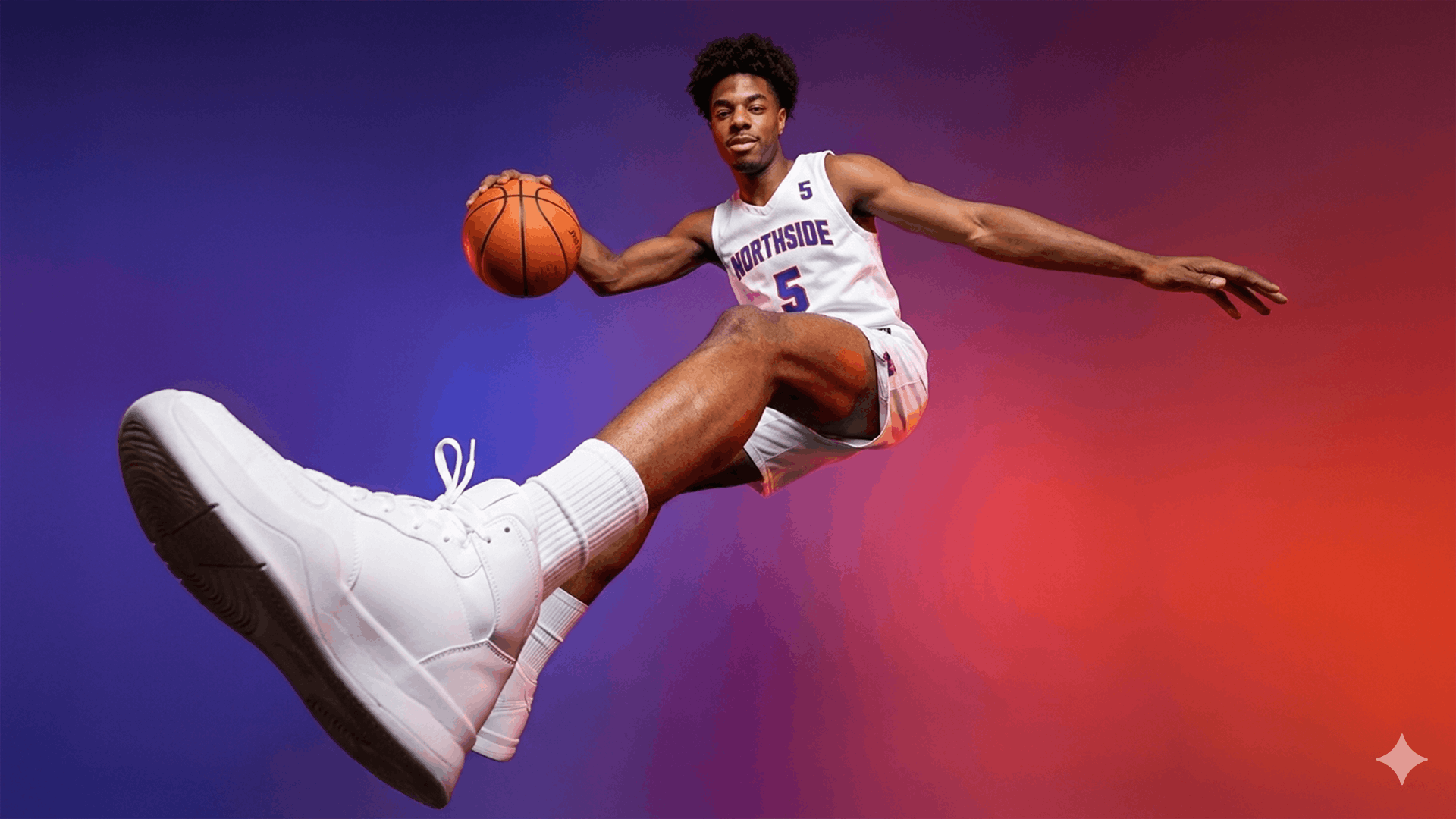
Bring a texture, color language or visual style from a reference image into a new subject. Explore distinct aesthetics while preserving the creative idea underneath.
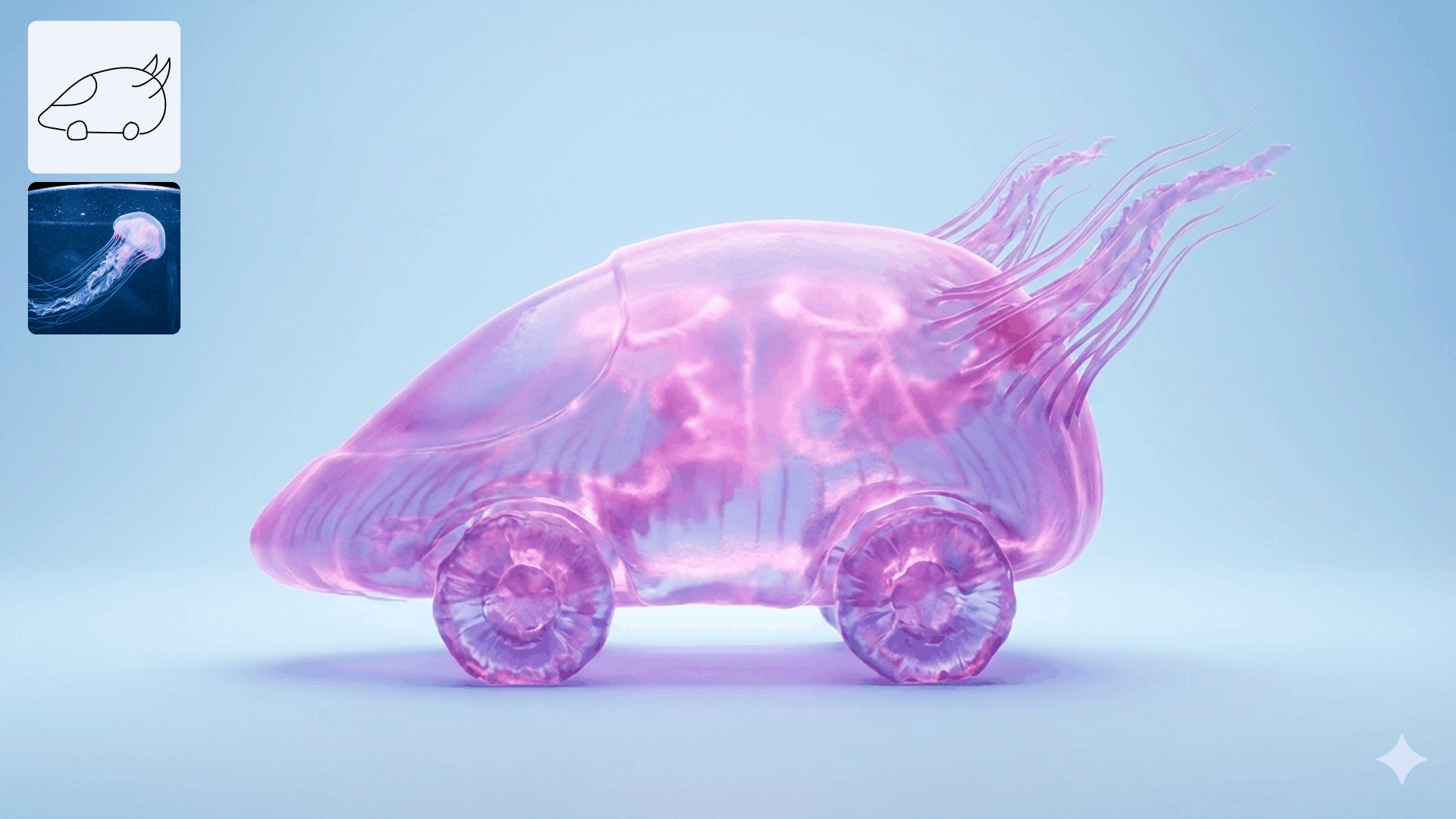
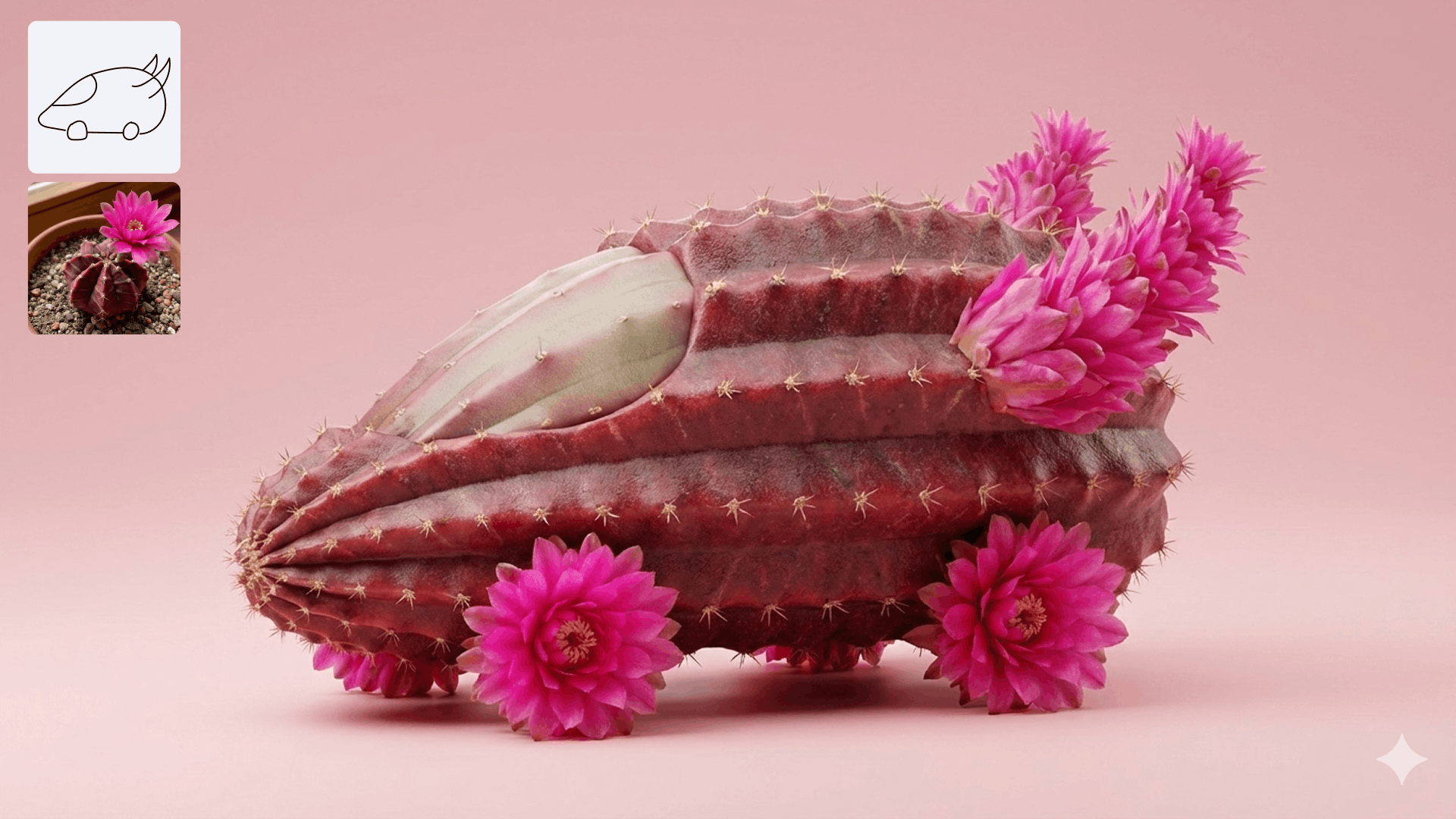
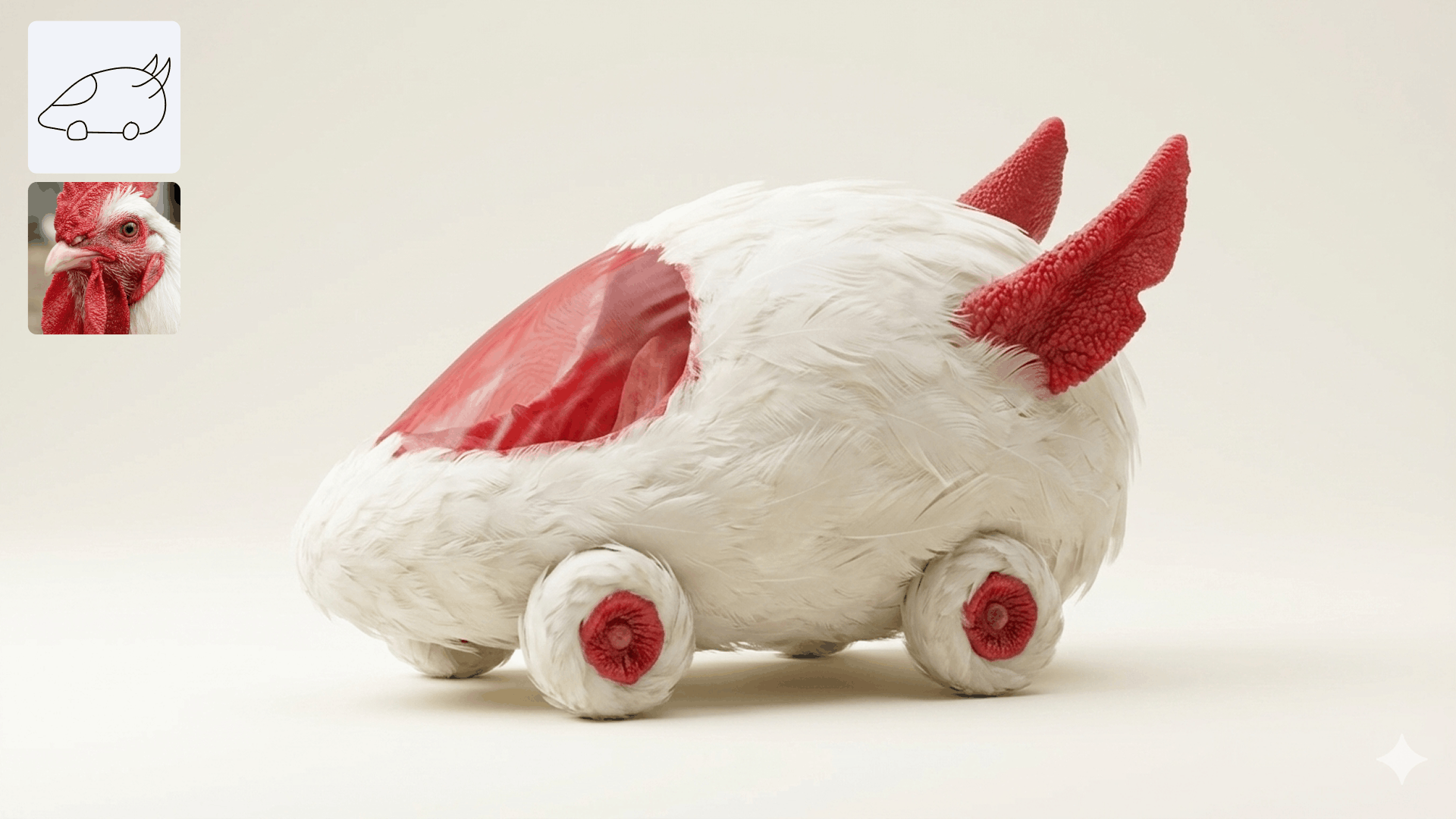
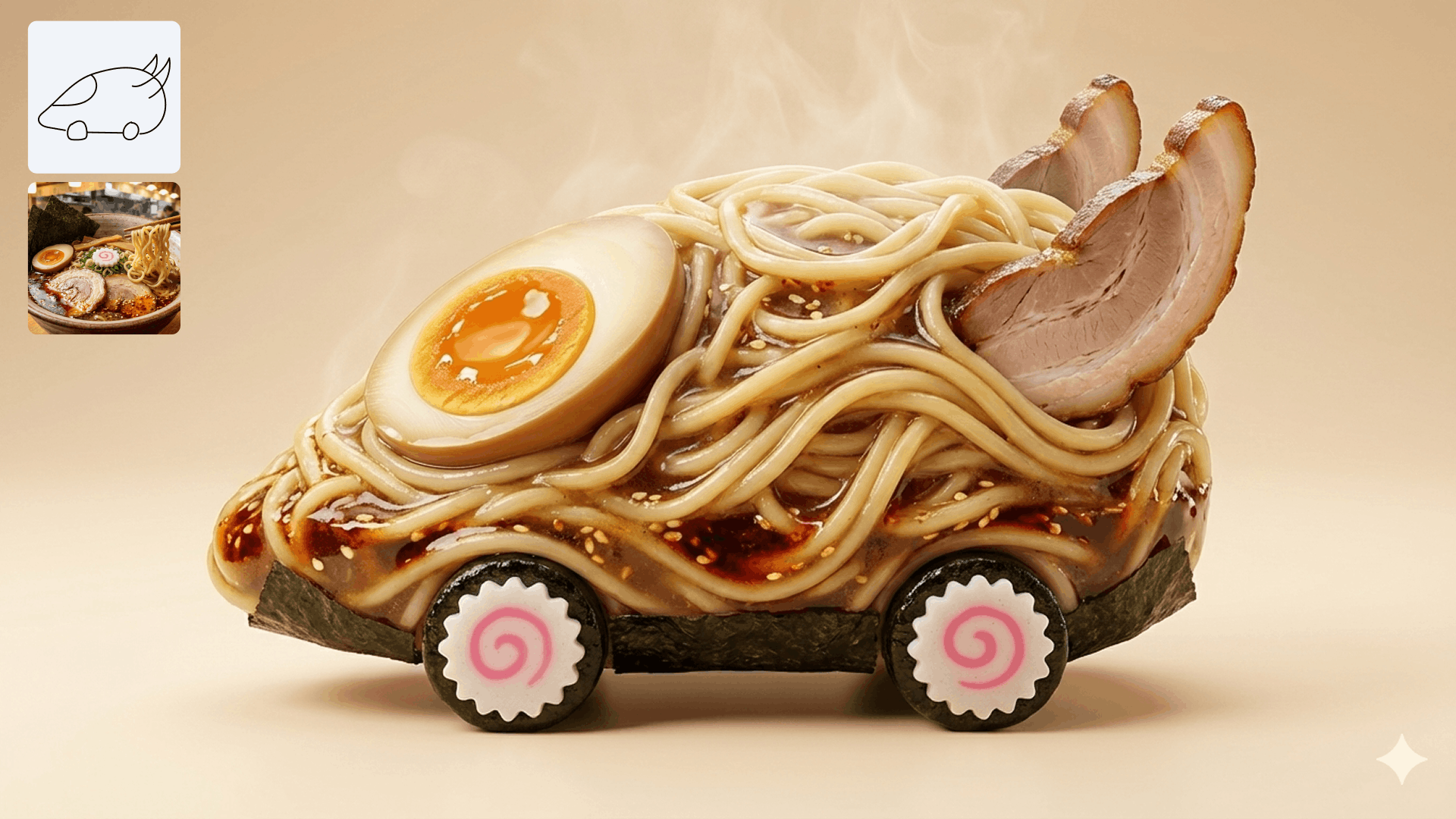
Adapt a finished idea for the format where it will appear. Reframe the composition for landscape, square or portrait placements while keeping the details that matter.
Create logos, invitations, posters, comics and other text-led visuals with clearer lettering. Nano Banana 2 can place words inside the image in many languages.
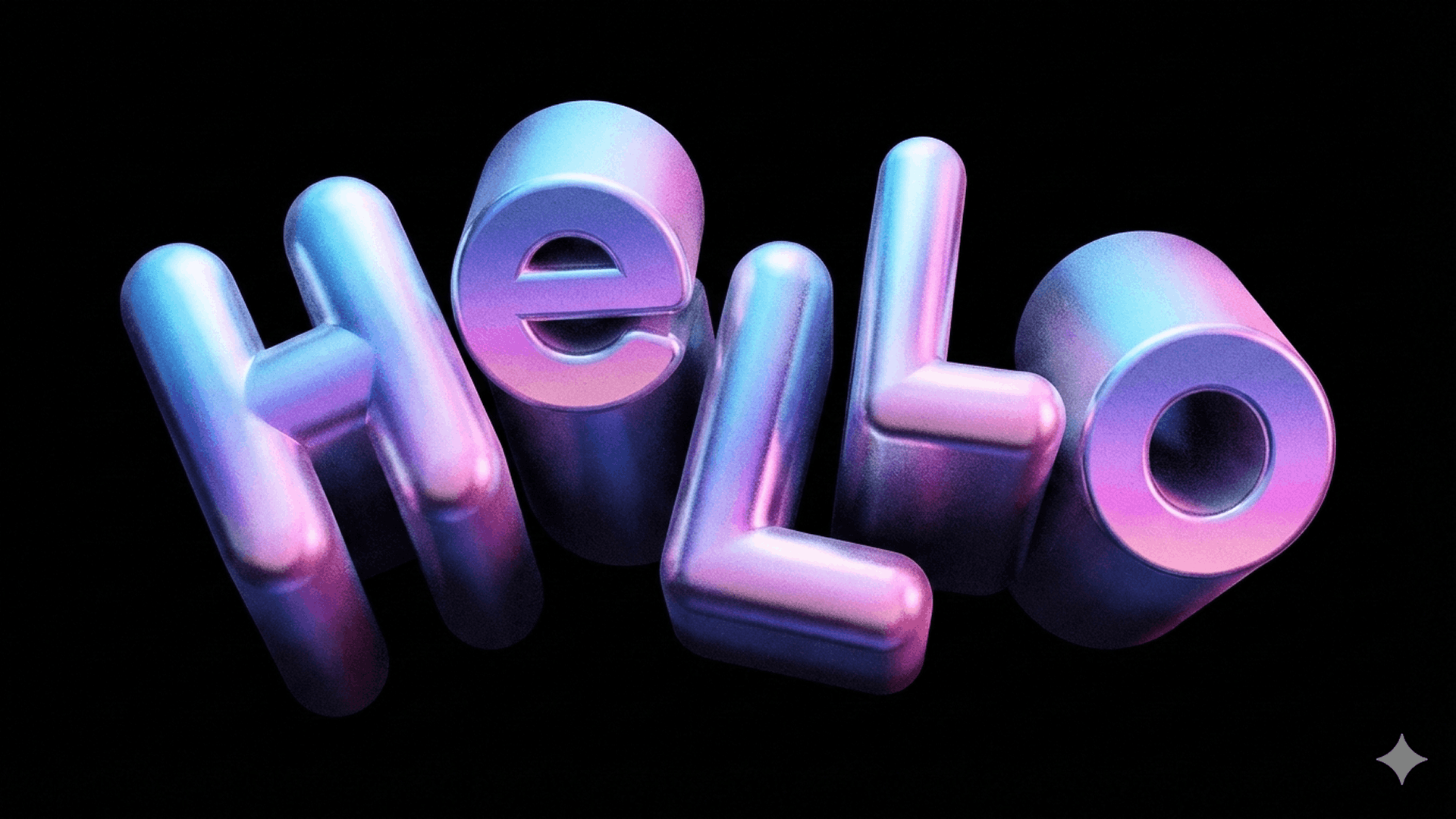
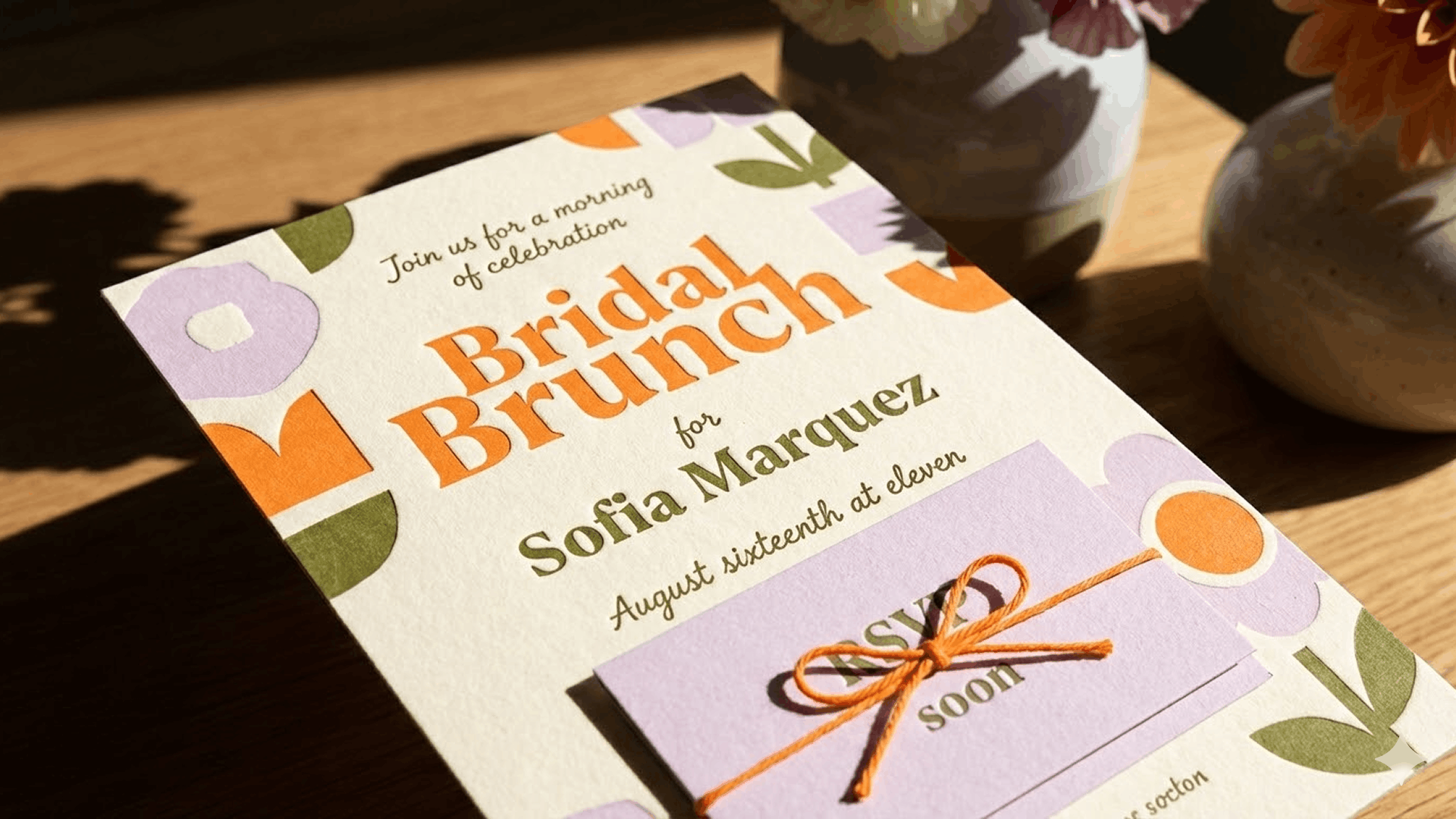

Use Nano Banana 2 in DreamAPI for text-to-image and image-editing workflows. The live workspace provides the current endpoint, authentication fields and response schema.
Send a prompt plus optional source or reference images in one JSON request.
Submit the job to the DreamAPI workspace and let it render.
Poll the task status and download the generated image.
const image = await dreamapi.images.generate({
  model: "gemini-3.1-flash-image",
  prompt: "Turn this product photo into a
  cinematic night campaign while preserving
  the product shape and label text.",
  images: ["https://example.com/source.png"]
});
curl https://api.newportai.com/v1/images/generations \
-H "Authorization: Bearer $DREAMAPI_KEY" \
-H "Content-Type: application/json" \
-d '{
"model": "gemini-3.1-flash-image",
"prompt": "Turn this product photo into a cinematic night campaign...",
"images": ["https://example.com/source.png"]
}'Start from words or start from an image. Nano Banana 2 supports both paths through one DreamAPI workspace.
One credit pool for every model on DreamAPI — video, image, avatar and editing. Buy a pack, then spend credits at the per-model rates below.
Credit packs are purchased on the DreamAPI pricing page.
Credits are charged per generated image and scale with output resolution.
Credits per generated image. Current DreamAPI billing rules apply.
Nano Banana 2 is Google's latest image generation and editing model. Google describes it as combining advanced world knowledge, quality and reasoning with the speed needed for rapid creative work.
Yes. Provide an image and describe the change in natural language. You can adjust the mood, lighting, camera angle, focus, background, objects or overall style while retaining details you want to keep.
Yes. A reference can guide texture, color or visual style, letting you reimagine a subject without starting from scratch.
Yes. Google highlights clear text placement for logos, invitations, posters and comics, including words in many languages.
The gemini-3.1-flash-image model uses 15 credits at 512 resolution, 20 credits at 1K, 30 credits at 2K and 40 credits at 4K per generated image.
Nano Banana 2 can adapt a visual to different formats while preserving important details. Use the current DreamAPI workspace to see the supported size and aspect-ratio options.
Open the Nano Banana 2 workspace, enter a prompt, add source or reference images when needed, submit the task and retrieve the generated result using the documented DreamAPI flow.
Google states that Gemini image outputs include an invisible SynthID watermark and a visible watermark to distinguish AI-generated visuals from original human artwork.
Generate, edit and adapt polished images with Nano Banana 2 through one production-ready DreamAPI workflow.