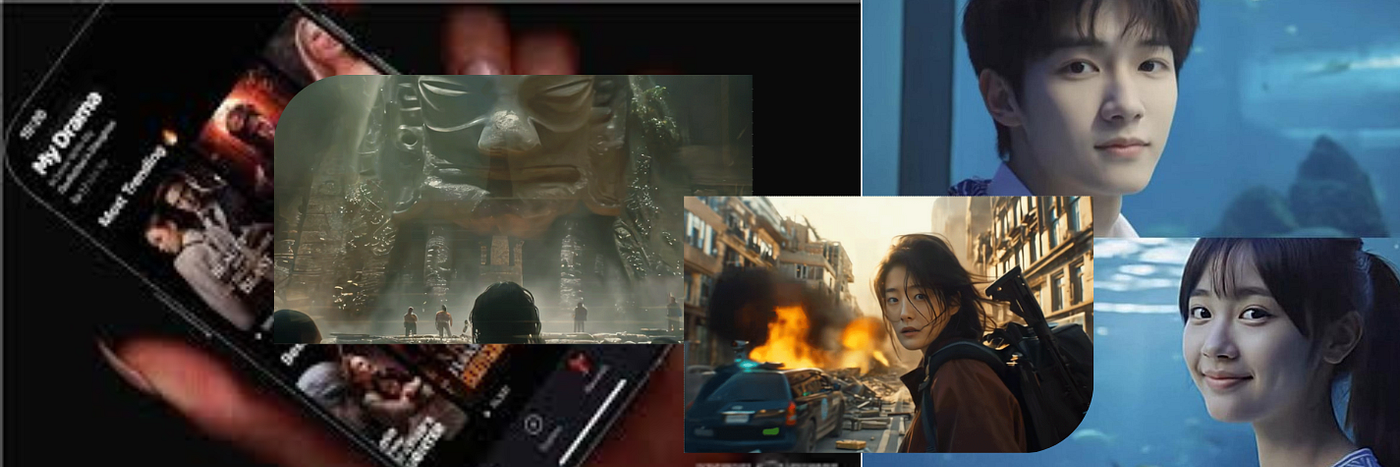
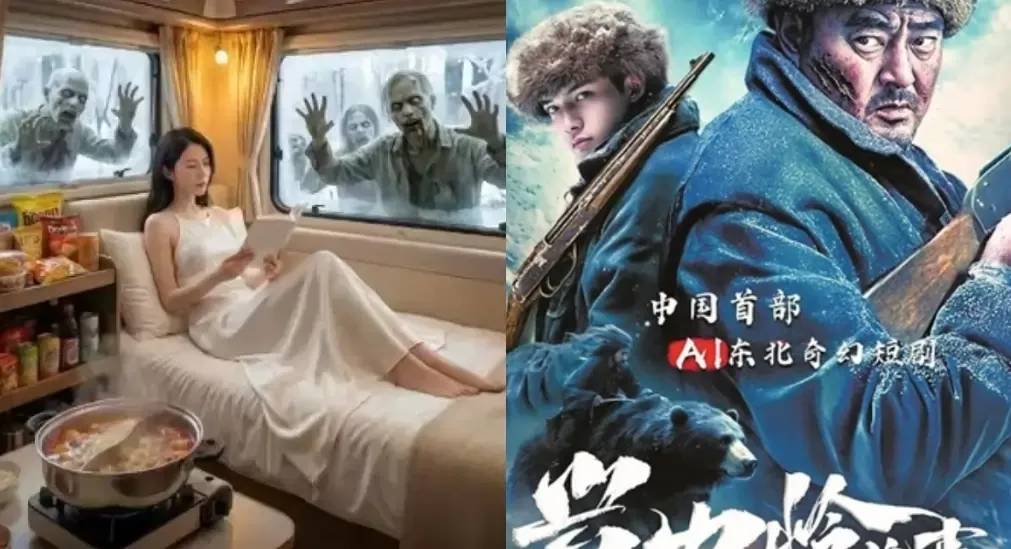
AI short dramas have been “almost there” for a while.
You can generate a beautiful shot. You can even create a teaser that looks cinematic. But the moment you try to build an actual series, the problems show up fast.
The protagonist’s face changes.
The wardrobe drifts.
The tone feels different from shot to shot.
The world no longer feels like the same story.
That is the real challenge of AI short-drama production. It is not creativity. It is continuity.
Seedance 2.0 feels important because it is not only useful for generating isolated clips. Its strength is in helping creators build a repeatable workflow: consistent characters, shot-based production, visual references, multi-shot output, and scene extension.
For creators trying to turn scripts into short episodes, that matters.
The Problem: AI Short Dramas Break When They Become Episodic
A single AI-generated clip can look impressive. A series is harder.
Short dramas need the same characters, the same tone, the same world, and a clear emotional rhythm across multiple episodes. If those elements drift, viewers get confused fast.
Most AI short-drama workflows break down because of:
Character drift: the same protagonist changes face, age, or styling between shots
Shot language chaos: each clip feels like it came from a different director
Motion breakdown: two-person interaction, fast movement, or action scenes become unstable
Disconnected audio: sound and dialogue do not feel naturally integrated into the scene
Weak continuity: the story feels like random clips instead of a repeatable format
Audiences may forgive a low budget. They do not forgive confusion.
That is why AI short dramas need a production system, not just strong prompts.
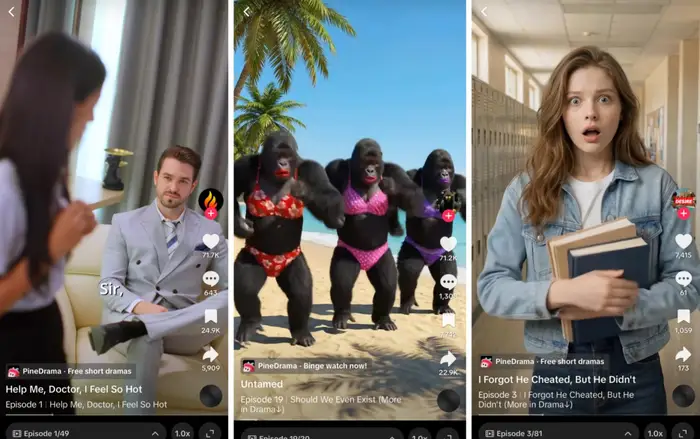
Why Seedance 2.0 Feels Short-Drama Ready
Seedance 2.0 does not magically write a better story for you.
What it changes is the production process.
The model is designed around features that map directly to short-drama needs: multi-modal input, reference-based generation, multi-shot output, and video extension or editing.
That means creators can work less like prompt gamblers and more like producers.
Seedance 2.0 is useful because it can help you:
Keep characters more recognizable across scenes
Use visual references to lock face, styling, and setting
Generate short multi-shot sequences instead of isolated clips
Extend or adjust scenes without starting from zero
Build a more repeatable video production pipeline
For short dramas, repeatability is the difference between a one-off demo and a real content format.
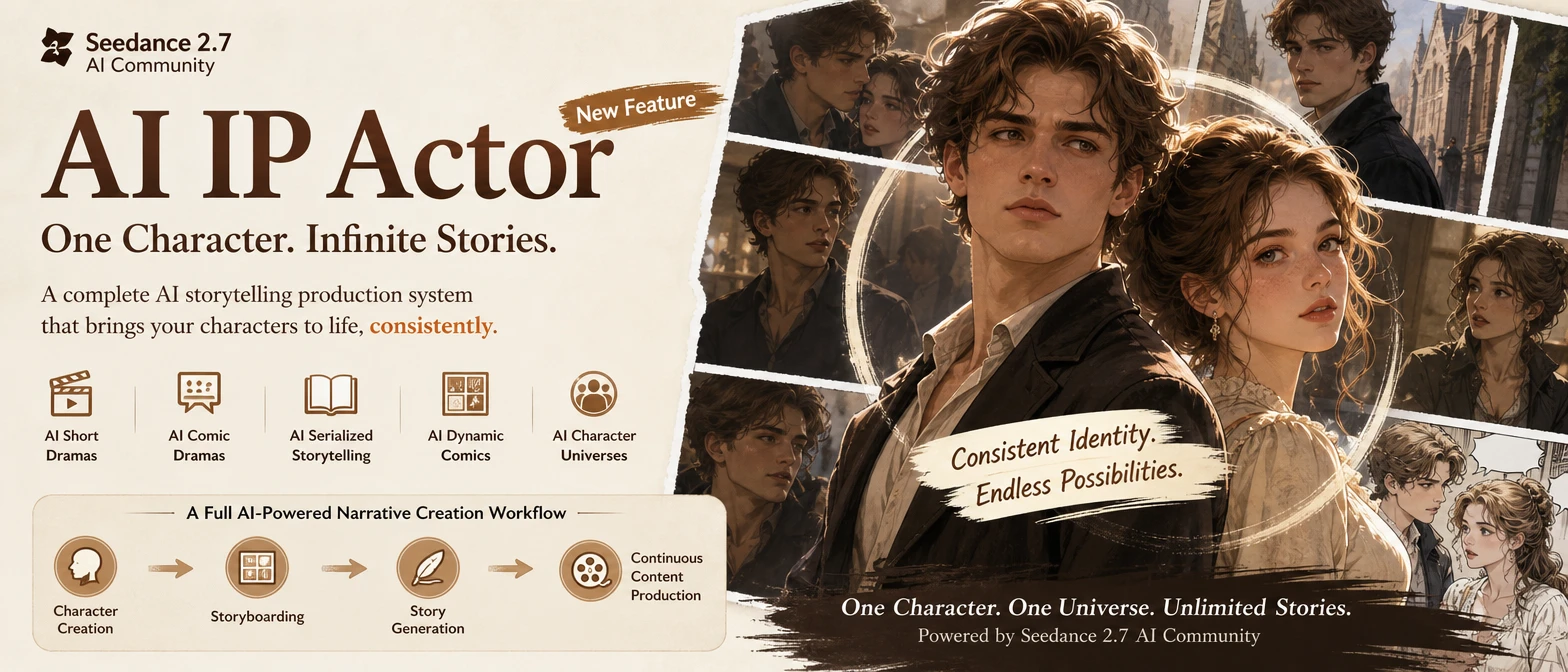
Step 1: Write in Shots, Not Paragraphs
Many AI short dramas fail before generation starts.
The script may be emotional, dramatic, or interesting, but it is written like prose instead of something a camera can capture.
If the camera cannot see it, the model cannot reliably generate it.
Instead of writing long paragraphs, write in visible beats.
A practical structure:
6–10 shots per episode
2–6 seconds per shot
One clear action per shot
One emotional shift per scene
A cliffhanger or reveal at the end
Weak prompt direction:
“She realizes he betrayed her and feels devastated.”
Stronger shot direction:
“Vertical 9:16. Close-up. She reads the message, freezes, lowers the phone slightly, and forces a calm smile while her eyes start to tear up.”
The second version gives the model something to stage.
Step 2: Build a Character Pack Before You Generate
If you skip this step, consistency will eat your time.
A short drama needs recognizable characters. Viewers should know who they are watching without re-learning the cast every few shots.
Before generating episodes, create a simple character pack for each main role.
Include:
Front-view reference
Three-quarter reference
Full-body reference
3–4 reusable expressions: neutral, angry, shocked, softening
Fixed wardrobe notes
One visual anchor, such as a necklace, jacket, hairstyle, or color
A short acting note
The acting note matters more than people think.
Examples:
“She hides fear with a forced smile.”
“He avoids eye contact when lying.”
“She pauses before answering under pressure.”
“He looks calm, but his hands reveal stress.”
Seedance 2.0 becomes more stable when you give it reference-based control early. The sooner you pin the character, the less you repair later.
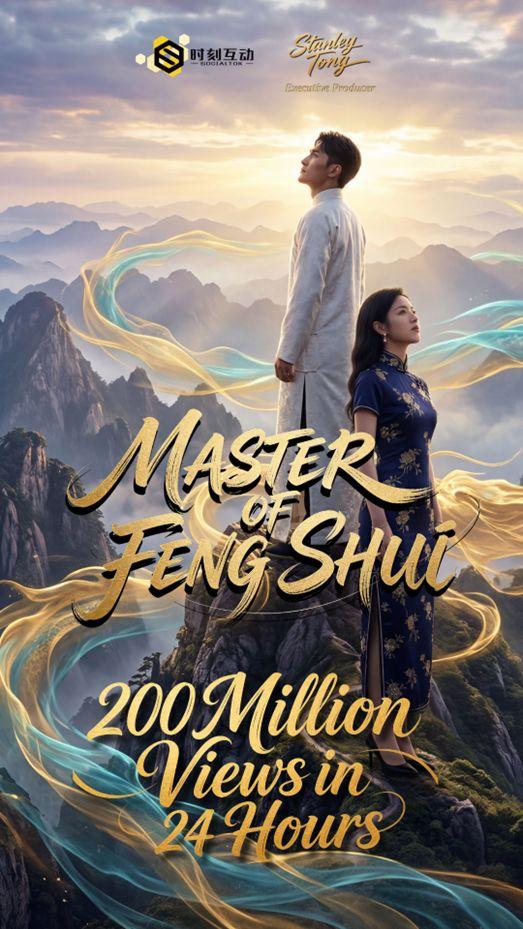
Step 3: Prompt Like a Director
Most prompts fail because they describe the plot instead of directing the shot.
For AI short dramas, every prompt should read like a micro directing note.
Use this order:
Frame: close-up, medium shot, wide shot
Camera: static, handheld, slow push-in, pan
Blocking: where the character is, what moves, what changes
Acting: eye movement, pause, breath, forced smile, hesitation
Lighting: one simple lighting idea
Continuity: outfit, hair, prop, and setting stay consistent
Example prompt:
Vertical 9:16. Medium close-up. Slow push-in. Same outfit and hair as reference. Character A hears a message notification and freezes. Her eyes flick to the side, she takes a shallow breath, then quickly hides her reaction with a calm expression. Warm indoor light, soft window fill. 4 seconds.
This tells the model what the camera should capture.
That is the shift: do not write what the scene means. Write what the scene shows.
Step 4: Generate in Shot Blocks
Do not try to generate a full episode in one pass.
That usually creates inconsistent pacing, messy continuity, and weak editing control.
Instead, generate in shot blocks.
A simple short-drama episode structure:
Block A: hook + tension
Block B: escalation
Block C: reveal + cliffhanger
For a 30–90 second vertical episode, this structure keeps the episode manageable while still giving it momentum.
Seedance 2.0’s multi-shot output makes this approach more practical because you can build connected visual beats instead of treating every clip as a disconnected generation.
Think like an editor:
Generate the pieces.
Choose the strongest takes.
Cut for rhythm.
Keep only what moves the story forward.
Step 5: Use Subtitles First, Voice Second
Dialogue can easily slow down AI video production.
Short-drama audiences often watch on mute, especially on mobile. Subtitles are not an afterthought. They are part of the format.
A cleaner workflow:
Finalize the visuals
Lock subtitle timing
Add voiceover only where it improves the scene
Keep dialogue short
Avoid re-generating visuals just to fix one line
Seedance 2.0 may support audio-video workflows, but you will still have more control if you treat dialogue as an editable layer.
For short dramas, clarity beats complexity.
Step 6: Release Like a Series, Not a Showcase
A showcase proves the tool works.
A series gives people a reason to come back.
If you are building a 10-episode AI mini-series, plan the release rhythm before generating everything.
A simple five-episode arc can look like this:
Episode 1: hook + premise
Episode 2: motive
Episode 3: relationship twist
Episode 4: stakes get higher
Episode 5: hidden truth revealed
Then repeat the pattern with higher intensity.
This is where AI’s speed advantage becomes useful. You can test story hooks, revise pacing, and produce new episodes faster than traditional production workflows.
But speed only helps if the series has structure.
A Quick Note on IP and Likeness
Seedance 2.0’s realism makes it tempting to use celebrity faces, recognizable characters, or familiar franchise styles.
Do not build a long-term project on that.
If you want the content to stay online, build with original characters and properly licensed assets. The moment your series depends on someone else’s face or protected IP, you are building on unstable ground.
Original characters are not just safer.
They are also better for long-term brand building.
Final Takeaway
Seedance 2.0 does not write your drama for you.
What it does is lower the cost of turning a script into consistent, repeatable scenes that can become episodes.
If you want to produce AI short dramas, treat the process like real production:
Lock your characters
Write in visible beats
Prompt like a director
Generate in shot blocks
Edit subtitles before voice
Release with a series rhythm
That is when AI video stops being a stunt and starts becoming a format.
For creators building short dramas, mini-series, or serialized AI video content, Seedance 2.0 is not just another model to test.
It is a production workflow worth taking seriously.